

The final version is expected to arrive alongside Apple’s new iPhone products this September, but users who want to explore the software early can now download the beta version. Since it is still a test version, it may have bugs, app issues and faster battery drain compared to the final release. If you are thinking about trying the latest software before everyone else, here is everything you need to know about the iOS 27 public beta.
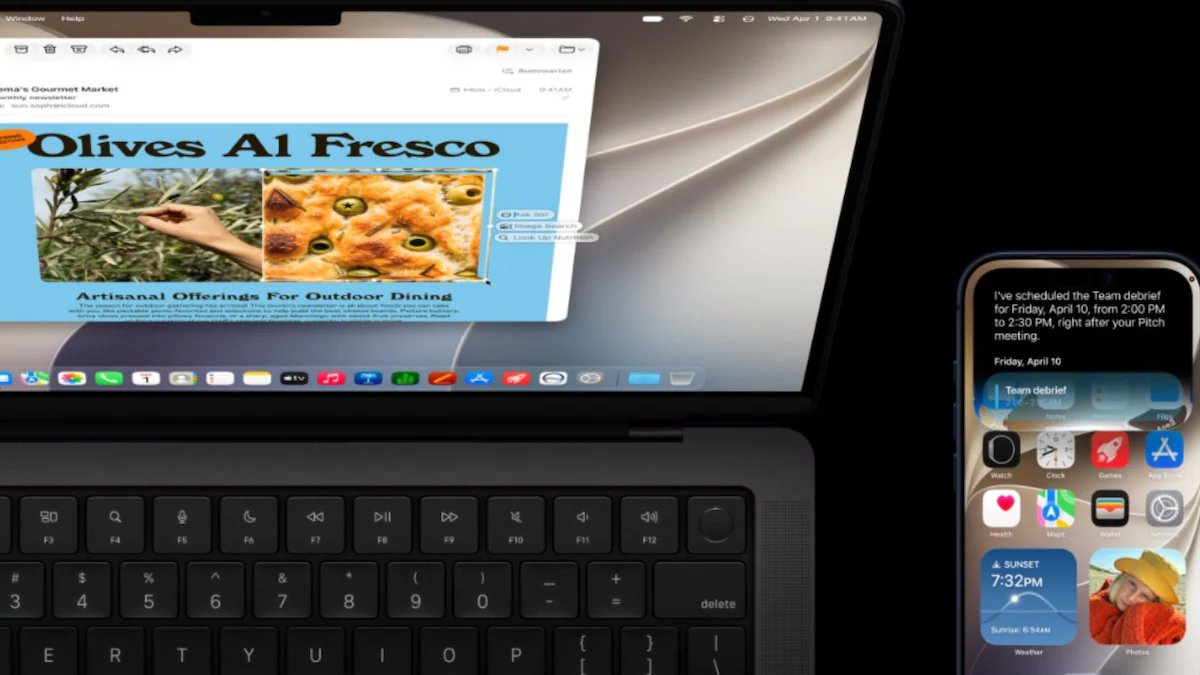
After installing the iOS 27 public beta, one of the first features to try is the new Siri AI. Apple has upgraded Siri with its latest Apple Intelligence system, which can now have more natural conversations, understand what is shown on your screen and perform tasks on different apps.
It can also search your personal content more easily. For example, you can ask Siri to find an old photo, locate an email hidden in your inbox or open a note that you saved on your iPhone.
This version improves the Liquid Glass as
Apple has made buttons, menus and text clearer by reducing background distractions and improving contrast, which will make everything easier to read.
One of the new features to try is the Liquid Glass customization slider, which lets you adjust the look from a very clear glass effect to a more tinted style.
According to Apple, apps will now open 30% faster, while nearby AirDrop transfers can be 80% quicker. New photos and videos may also appear in the Photos app up to 70% faster. Apple has further improved system performance for older devices as well. Unlocking the phone, moving around the Home Screen, switching between Lock Screens and opening the Camera, all will be faster.
After its official release in September, iOS 27 will be available for various iPhones models. The update will support the new iPhone 17 series, including the iPhone 17 Pro Max, iPhone 17 Pro, iPhone Air, iPhone 17 and iPhone 17e. It will also be available on the iPhone 16, iPhone 15, iPhone 14, iPhone 13, iPhone 12 and iPhone 11 series, including their Pro, Pro Max, Plus and mini models.
If you want to try the iOS 27 public beta, you first need to join Apple’s Beta Software Program. Visit beta.apple.com and sign in with the same Apple Account that you use on your iPhone.
After completing the registration, open your iPhone and go to Settings, General, Software Update. Tap Beta Updates, select iOS 27 Public Beta and follow the on-screen instructions to download and install the update.
(Edited by : Sudarsanaan Mani)
First Published: Jul 14, 2026 7:09 PM ist